📱 Instagram carousels

Carousels that stop

the scroll

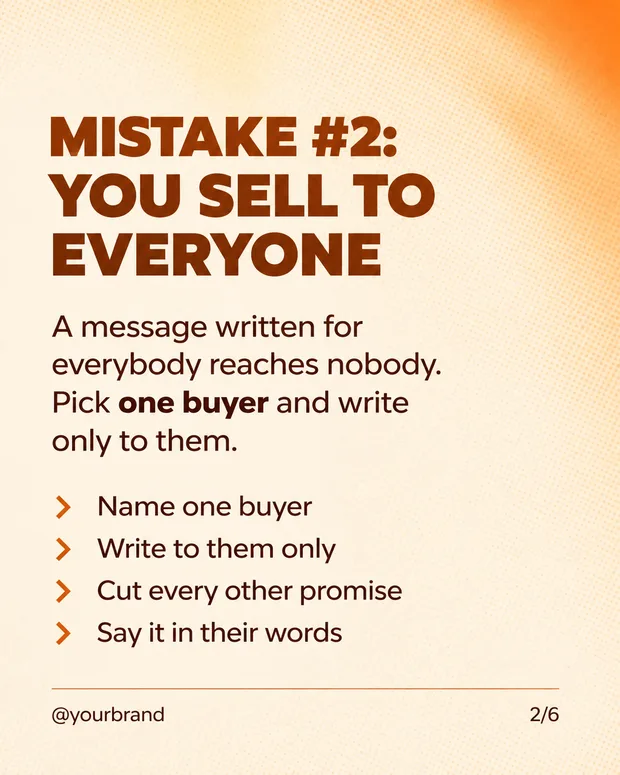
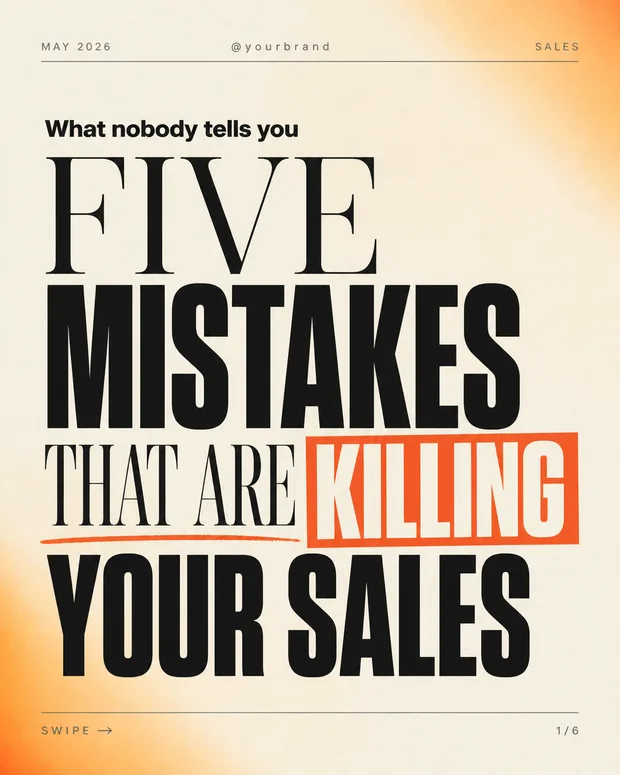
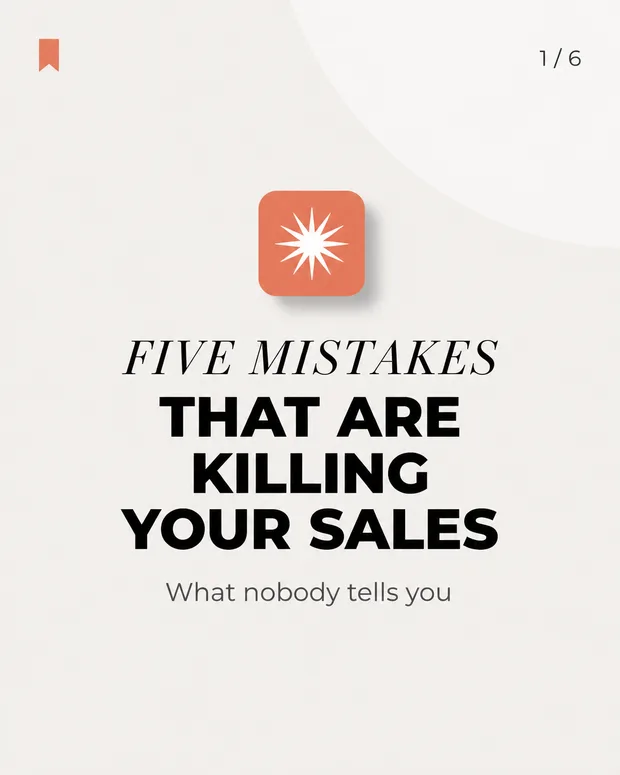
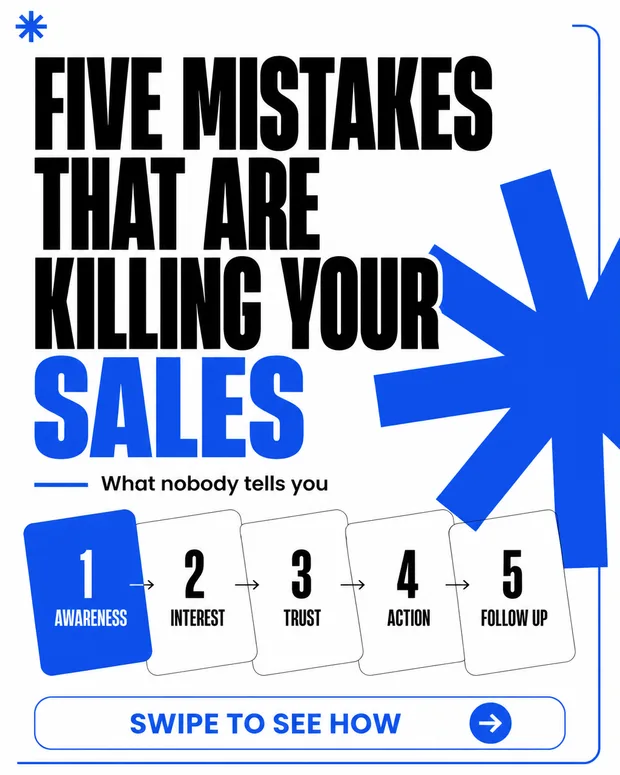
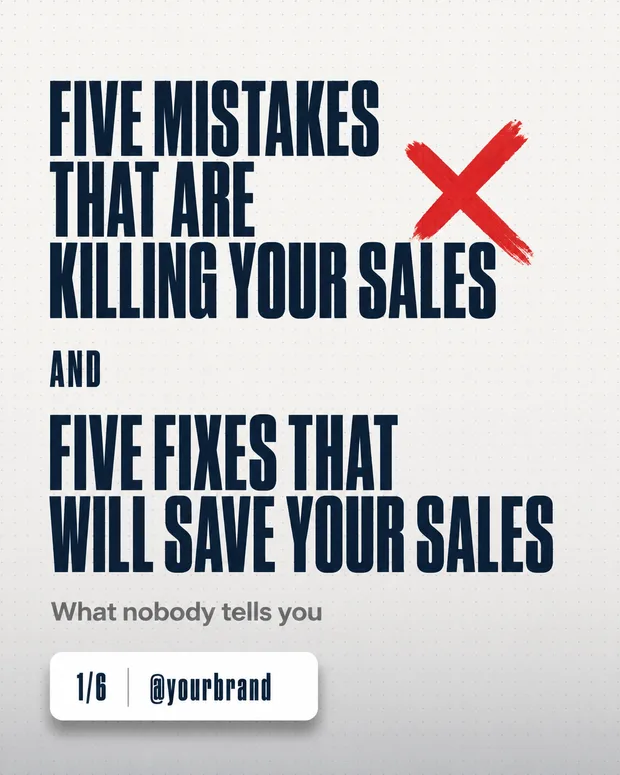
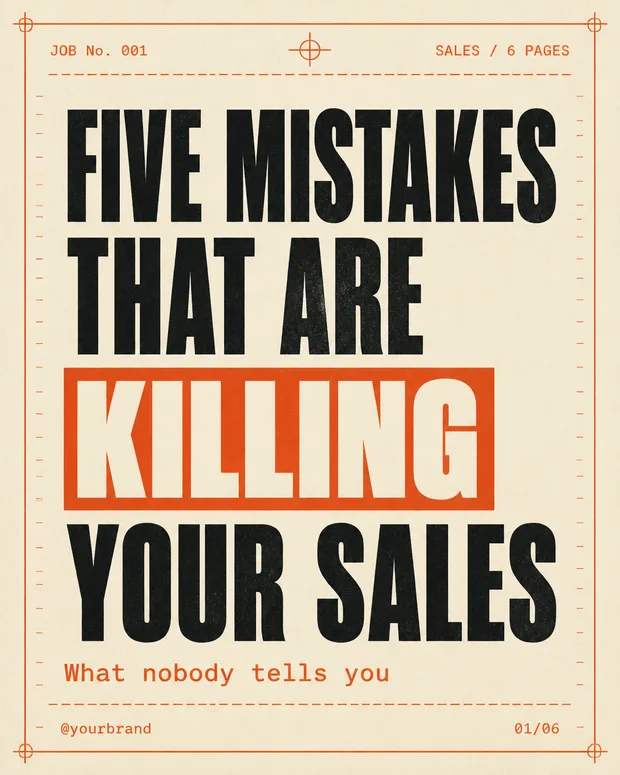
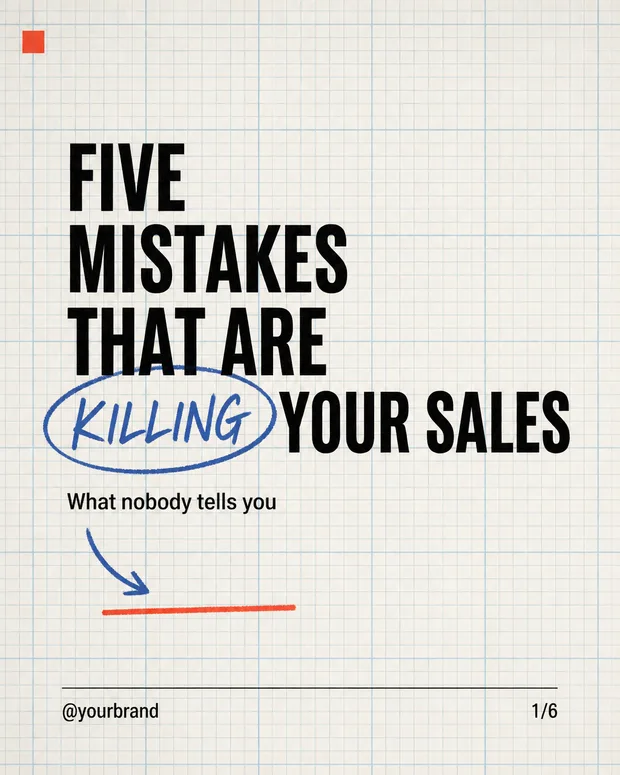
Every style here is derived from posts that actually went viral — what stopped the scroll there is what is built in here. Pick a ready-made style or teach the system one of your own, describe what the post is about, and get a full carousel: a hook that stops the thumb, middle slides in exactly the same design, and an ending that drives action.

Page numbers and your handle added automatically · Ready to publish

Three designed Instagram carousels
Dozensready-made styles
Unlimitedstyles of your own
3parts per style set
Anylanguage, including RTL
Why a carousel

The format people actually read to the end

A single image gets scrolled past. A carousel forces a swipe — and every swipe is another second of attention. The problem was always that it looked amateur. That is the part we fixed.

The first slide is the whole game

The system knows the first slide has to stop the scroll and the last one has to drive action — and that is enforced by slide position, not left to chance. Regenerate a slide and it keeps the role it was built for.

  • An opener built to stop the scroll
  • Middle slides that carry the content
  • A close with one clear call to action
Opening slide in the dark cinematic style

One style all the way through

Each style is a three-part set — opener, middle and close. The middle slides repeat the same background, the same palette and the same geometry, so the result looks like a series a studio designed rather than a pile of unrelated images.

OpenerMiddleClose
Opener · middle · close — exactly the same style

Seen a carousel you like? The system will learn it

The library is the starting point, not the ceiling. Upload screenshots of a carousel that worked — a competitor's, a brand you admire, or one of your own from last year — and the system breaks it into the three parts and saves it as a private style for your business, one click away every time.

  • Learns any style from screenshots
  • Saved privately to your business
  • Reusable in one click, again and again
Pressroom style

Your brand colours beat every style

Set a colour palette in your business profile and it recolours whichever style you choose, so even a dramatic design comes out in your colours. And if you want the style exactly as designed, there is a "no palette" switch.

Soft minimal style
The engine behind it

We do not guess what will work — we read what already did

Behind every style and every suggestion here is the same process: the system analyses posts that actually broke out, measures them against that same account's own average, and extracts the mechanism that made it happen.

From a post that worked to a post of yours

This is not vague "inspiration". The system reads real view counts, separates what was genuinely an outlier from what merely looks good, and breaks the opening slide into components: what was said, how it looked, and why the thumb stopped. Your carousel is built from that.

  • Measured against that account's own average — not inflated numbers
  • The hook and structure broken into reusable parts
  • Reassembled with your content and your brand
1
Read a post that worked412K views · 8x that account's own average
2
Break down the mechanismA number promised in the hook · the answer withheld until the end · a visual gap on slide one
3
Rebuild it as yoursSame mechanism, your content and your brand — ready to publish
The styles

Some of what is waiting inside

Every style is a complete set — opener, middle and close — so the carousel stays consistent from the first slide to the last. The library keeps growing, and on top of it you can always add a style of your own.

How it works

From idea to carousel in three steps

1

Pick a style

From the ready-made styles, or from the ones you taught the system yourself.

2

Say what the post is about

One sentence is enough. Your business details are already saved and flow into the content on their own.

3

Approve and publish

Download it, keep it in your library, or send it to Instagram — the carousel is saved as a single item.

FAQ

What to know before you start

How many slides are in a carousel?
You choose. Either way the system keeps the structure: an opener first, a call to action last, and everything else in between.
Can I fix one slide without regenerating everything?
Yes. Every slide can be regenerated on its own, and it keeps the role and the style that match its position in the carousel.
Which languages does the on-slide text support?
The copy is written in the language you pick, including right-to-left languages — the slides are laid out for RTL properly rather than mirrored after the fact. Page numbers and your handle are added to every slide automatically.
Can I use a photo of my own product?
Yes. Upload a product photo and it is composed into the design instead of a stock illustration.
Where does the carousel go after it is created?
Into your media library as one grouped item rather than scattered images — and from there you can publish it to Instagram from the automation page.

Ready to start?

Create your account and run this on your own business — no designer, no photographer, no developer.

Video studio Ads & publishing Competitor research Product photos Website builder